
 Post
Post  Share
Share  Share
Share  Post
Post  Pin
Pin  Send
Send  Send
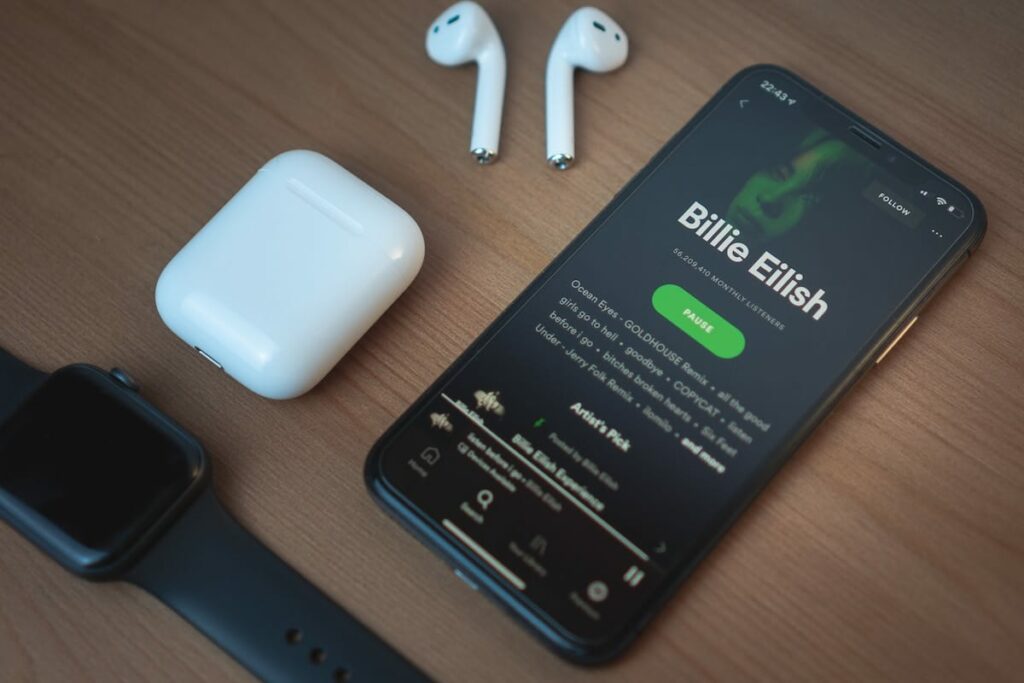
Send Digitalization has drastically transformed the way we listen to music. Leading this transformation is Spotify, a widely-used streaming service with more than 11.3 million users in Canada. While using a credit card to pay for a Spotify subscription is convenient, it’s not the only way. Here are five great options that will keep your music flowing

1. Pay for Spotify with PayPal
PayPal is used by more than 15 million people in Canada, making it one of the go-to digital payment services. PayPal offers a secure and convenient alternative to traditional credit cards. To use it on Spotify, simply link your bank account with PayPal and then add PayPal as your billing method. Please note that you can’t change your payment method in the Spotify smartphone app.
To connect your PayPal account to Spotify, visit the Spotify website’s “Account Overview” page. Scroll down until you see the “Your Plan” section.
If you already have a credit card connected to your account, click “Update.” If you are a new user, click the “Available Plans” button in the left menu.
After that, you can select PayPal as your payment method. Each month Spotify will automatically deduct funds from your Paypal-linked bank account.
You can use the process described above to pay for Spotify with PayPal, or to change your payment method to a prepaid credit card, Visa debit card, or secured credit card.
2. Pay for Spotify with a prepaid credit card
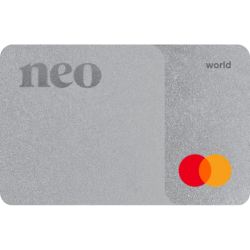
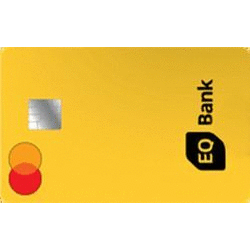
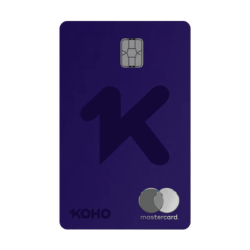
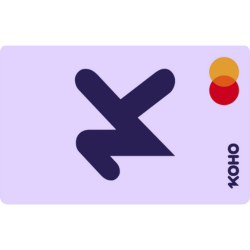
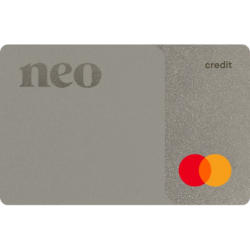
When paying for a Spotify subscription, you can use a prepaid card just like any other credit card – all you have to do is ensure there’s enough money on it to cover the cost of your subscription. Many financial institutions in Canada, including KOHO and EQ Bank, and Neo Financial, offer prepaid cards. Keep in mind that this will need topping up regularly if you don’t want any disruption! You can add a prepaid credit card to your account by following the steps described above. Just select “Credit or debit card” on the “Change Payment Details” page to add your prepaid credit card as a payment method.

3. Pay for Spotify with a Spotify gift card
Gift cards for Spotify are a great option to consider. Gift cards come in 1, 3, 6, and 12-month values and can’t be applied to discounted plans, including Premium Student, Premium Family, Premium Duo, or trial offers.
You can find them at most retailers and redeem them directly on the website – no personal banking details necessary! Go the the “Account Overview” page, and click “Redeem” in the sidebar menu on the left.
Next, enter your gift card code, which can be found on the back of your Spotify gift card. Voilà, you are now ready to enjoy your Spotify subscription.
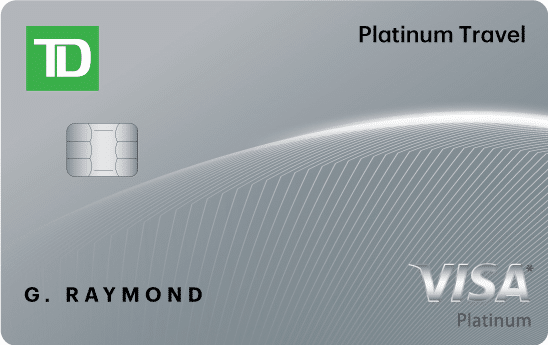
If you are a new user, your premium plan will be activated immediately after your enter the Spotify gift card code or on your plan’s next payment date if you have a premium subscription already. Gift cards are an easy, pre-paid method that takes care of your subscription needs without the need to use credit cards.
4. Pay for Spotify with a Visa debit
Visa debit cards offer a convenient alternative to credit cards. Connected directly to your bank account, they allow you the same ease of online purchasing as traditional unsecured credit cards without any worry about having enough balance or accumulating interest fees. Just add your Visa debit card to your Spotify account and enjoy the premium features of this audio streaming service.
5. Pay for Spotify with a secured credit card
Secured cards are a great way to go if you’re looking to build or rebuild your credit score. They require you to deposit money as collateral for the card, which will become your credit limit. Essentially they function like any other credit card, so you can use a secured card to pay for a Spotify premium subscription! Not only does this provide access to Spotify premium services, but if used responsibly can also help improve your credit score.

Ultimately, there’s no need to let the lack of a classic credit card stop you from experiencing all that Spotify has to offer. With alternatives like PayPal, prepaid cards, Spotify gift cards, Visa debit cards, and secured credit cards available, you should now know how to pay for Spotify without a credit card!


